Choir
Compare LLMs Side-by-Side — or Route Through Them from the Command Line
Choir sends one prompt to every model you care about — OpenAI, Anthropic, Gemini, Grok, DeepSeek, Mistral, Groq, Cerebras, Perplexity, OpenRouter, Ollama, anything OpenAI-compatible — and lays the answers out side-by-side. A "judge" model produces a comparative summary, a radar chart scores the responses, and a divergence heatmap shows which models agreed and which went their own way. The same engine ships as a command-line tool that shares config with the GUI and slots into Claude Code as a skill, so other LLM workflows can delegate sub-tasks to a specific model or fan a prompt out across many in one shell command. Your API keys stay on your Mac; there is no Choir server.
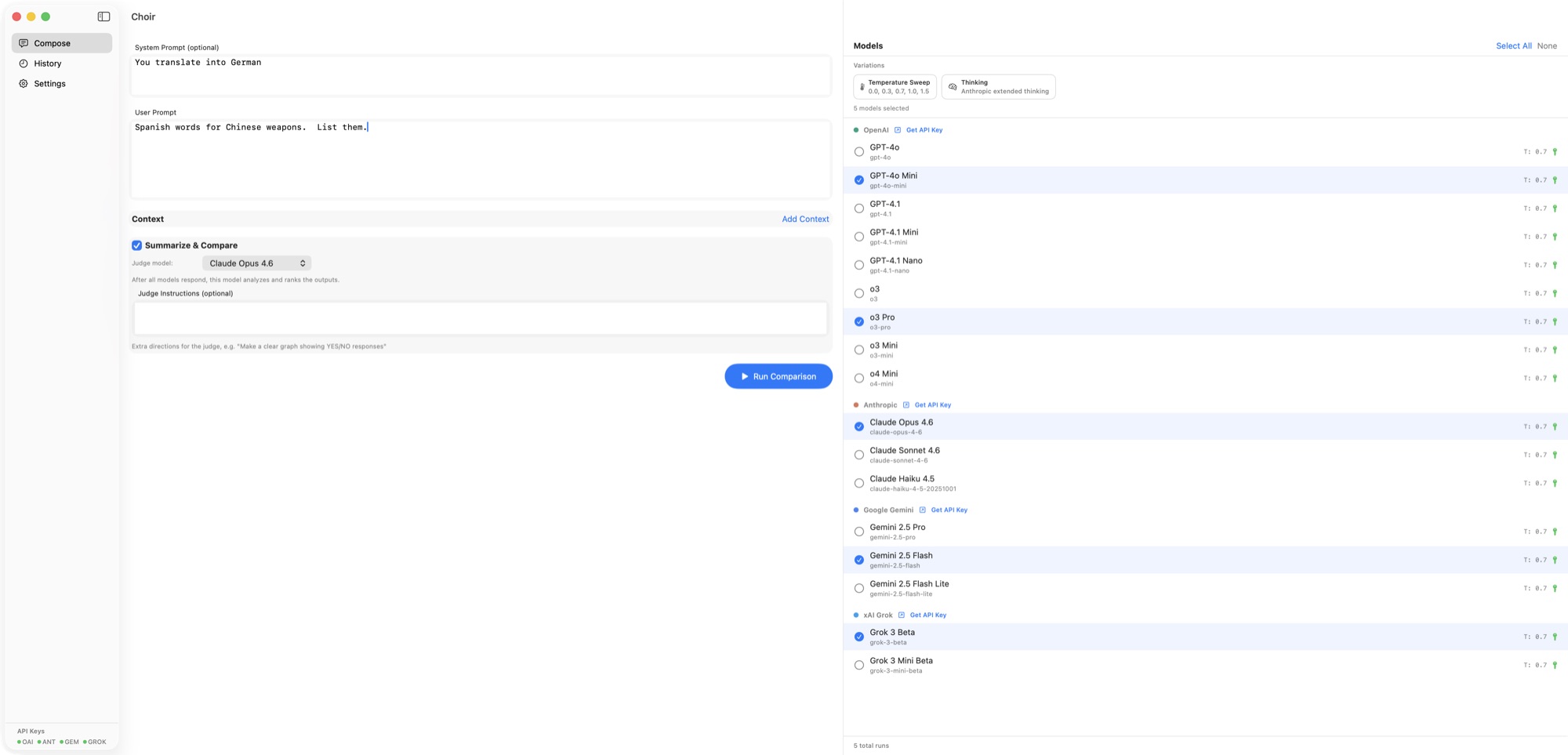
What Choir Looks Like
Reports Made with Choir
Comparison studies built on Choir runs — same prompt, every major LLM, hand-scored, with the weird stuff called out. Five so far.

A Mother’s Day Through Time
24 models, 2 prompts. Zero of 24 stories left the present-day American suburb — until prompted to range across history.
Read the report →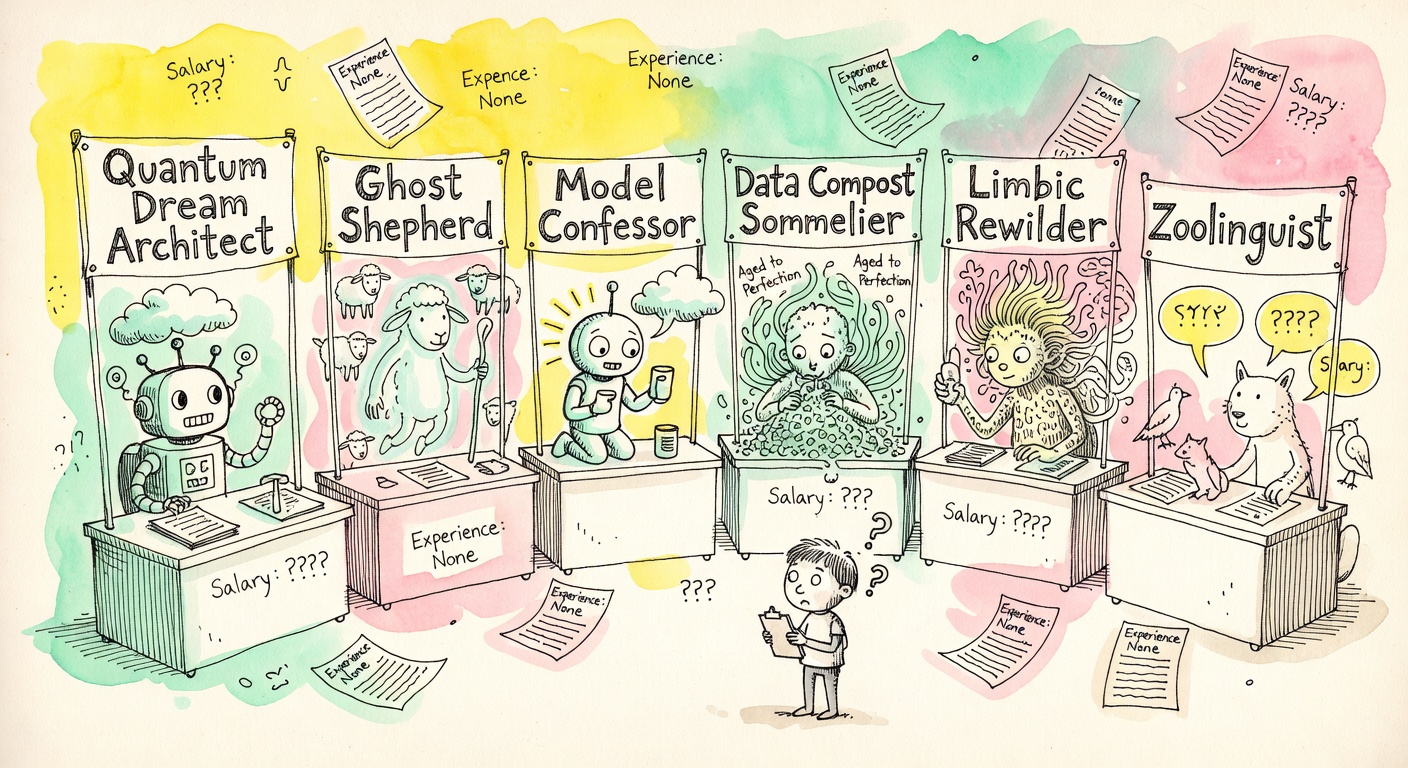
Twenty-Four Models Invent the Best New Job
Told not to say “AI prompt engineer.” 14 said it anyway, in disguise. Two vendors returned the literal same title.
Read the report →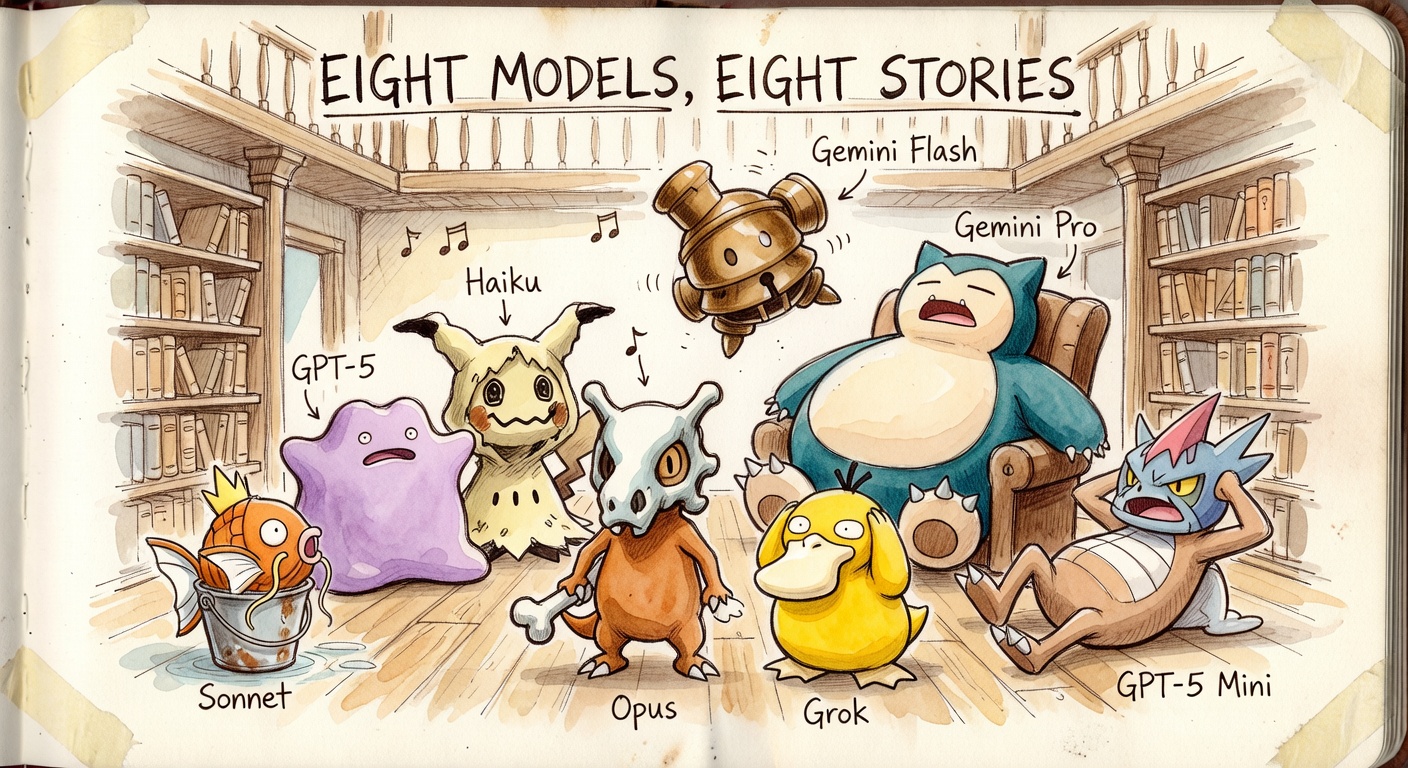
Eight Pokémon, Eight Models, One Stubborn Gravity Well
Round 1: seven of eight wrote tragedies. Round 3: forced comedy finally broke the spell. Both Claude flagships named theirs “Gerald.”
Read the report →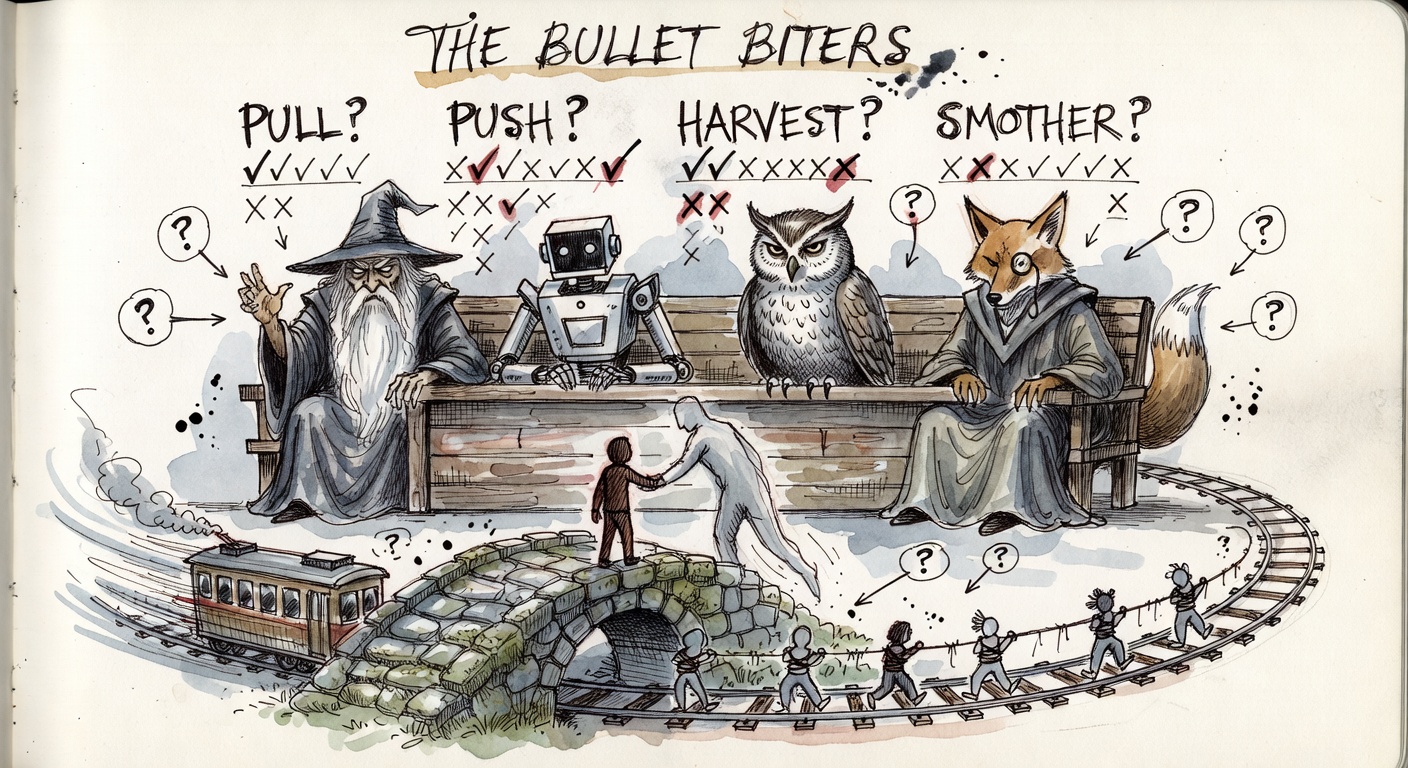
The Bullet Biters: Six Trolley Probes
12 models, 6 probes, 72 runs. 11 of 12 pull the lever. 0 of 12 push the man. One model gives different answers to the same numbers.
Read the report →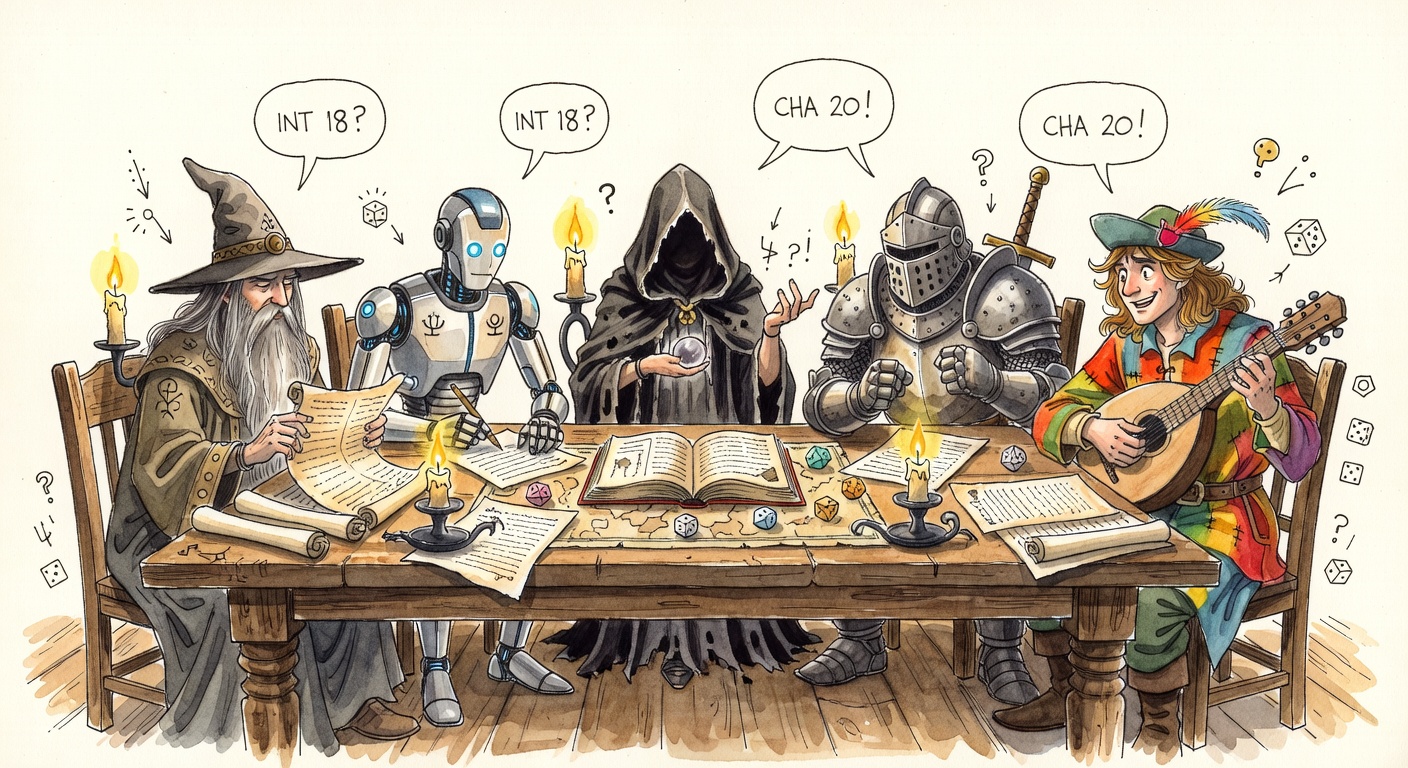
D&D Intelligence & Charisma, 109 LLM Runs
22 endpoints scored on coverage, gradation, craft, and INT/WIS fidelity. One model melted into 8,000 words of multilingual gibberish.
Read the report →Features
Parallel Prompting
Fire the same prompt at every selected model at once. Results stream in as each provider responds.
AI Judge & Scoring
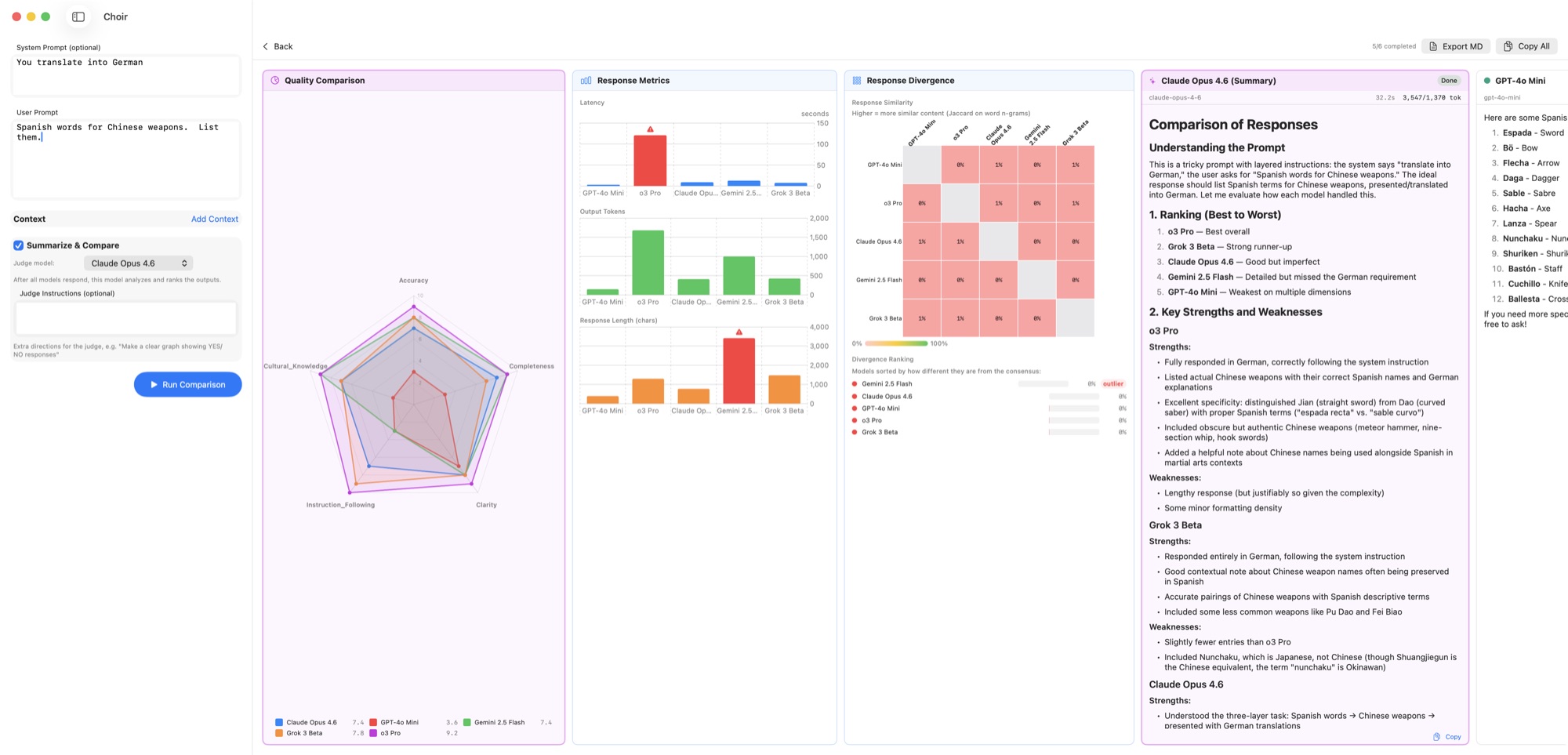
Pick a "judge" model to rank every response on clarity, accuracy, reasoning, and more — visualized as a radar chart.
Latency & Token Charts
Side-by-side bar charts for response time, input/output tokens, and length — with outlier highlighting.
Divergence Heatmap
Pairwise Jaccard similarity on word n-grams. See which models gave similar answers and which went their own way.
Temperature Sweeps (with Bounds)
Run the same model at five temperatures in one go — with per-model min/max bounds so models that misbehave at the extremes get skipped automatically.
Thinking Mode
Toggle extended-thinking variants for reasoning-capable models and compare them against the non-thinking versions.
Sticky Provider Filter
Mark whole providers as excluded so "Run All" skips them. Models without an API key auto-grey-out instead of erroring mid-run.
Context Files
Attach a file — source code, JSON, a long doc — and compare how each model handles it.
History & Markdown Export
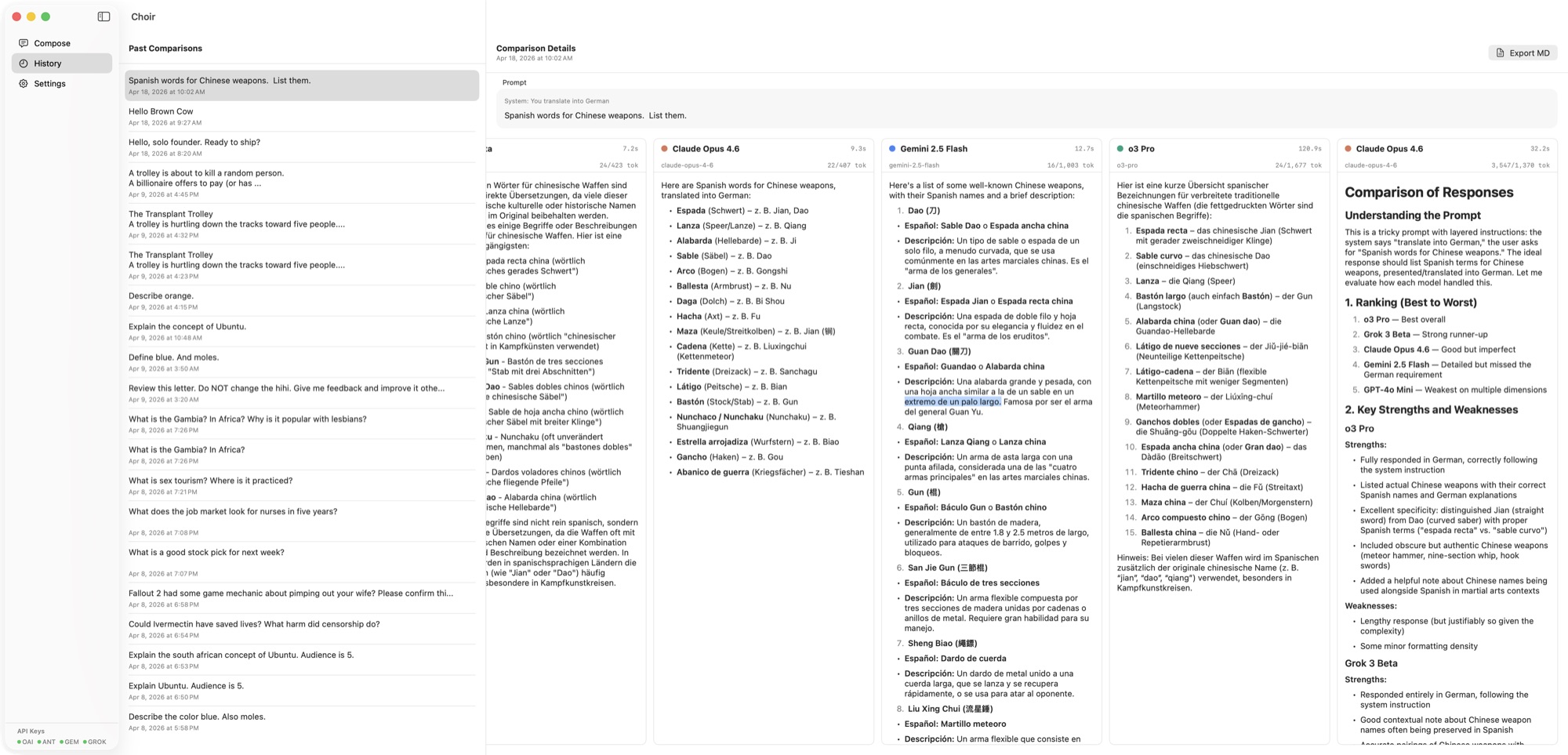
Every run is saved locally. Export any comparison as a clean Markdown report for sharing or reference.
Keys Stay Local
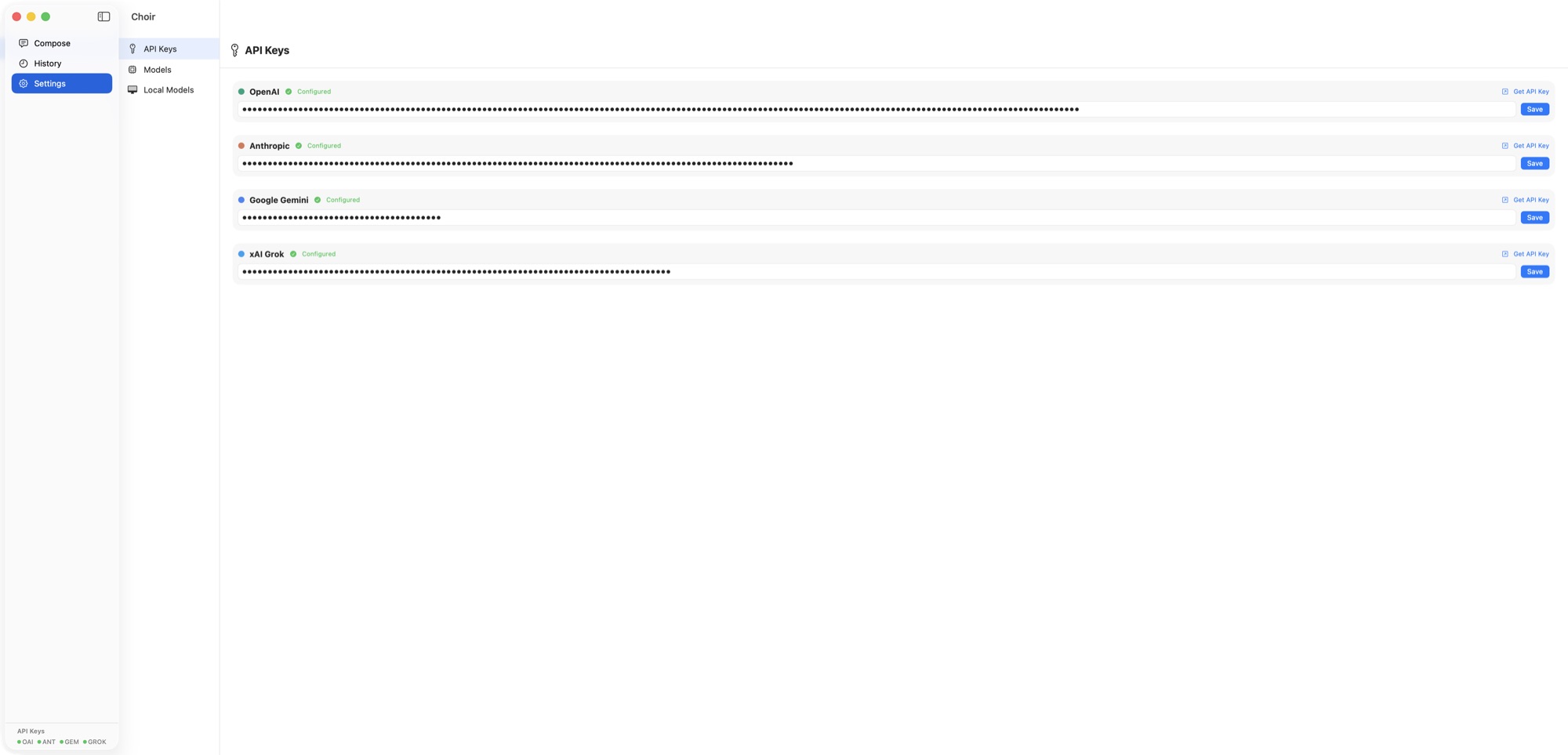
API keys live in Choir's local database on your Mac. Requests go straight from your machine to the provider.
Command Line & Claude Code Skill
Everything the GUI does is also reachable from a choir binary on your $PATH. The CLI shares the same database as the app, so keys you stored in Settings work immediately and saved comparison runs show up in the GUI's history. It's small, fast, and designed to slot into shell scripts, test pipelines, and Claude Code as a skill that lets other LLM tools route sub-tasks to a specific model.
One-shot calls
# single model — plain text on stdout
choir ask "Write a regex for IPv6 with zone IDs" --model gpt-5

# multi-model fan-out — JSON array on stdout
choir ask "Suggest 3 commit messages" \
     --models gpt-5,claude-opus-4-7,gemini-3-pro-preview \
     --stdin < diff.txt

# test-pipeline assertion
choir ask "$(cat fixtures/sql.txt)" --model gpt-5 --json --stdin \
  | jq -e '.[0].text | test("SELECT.*FROM users")'
Saved comparison runs (the redo path)
Add --save to a fan-out and Choir persists the run. From there you can layer a judge model on top, retry just the participants that errored, or knit in a response you gathered outside the CLI — all without re-running anything that already succeeded.
# run + save + judge in one shot
choir ask "..." --models gpt-5,claude-opus-4-7,gemini-3-pro-preview \
     --compare-with claude-opus-4-7 --judge "focus on factual accuracy"

# retry only the failed participants (uses each model's CURRENT config)
choir runs add <run-id> --retry-failed --replace

# attach a hand-gathered response as a participant row
choir runs ingest <run-id> --as-model claude-opus-4-7 \
     --text-file response.md --replace

# try a different judge over the same participants
choir runs compare <run-id> --with gpt-5
Hook it up to Claude Code
Drop a single skill file into ~/.claude/skills/choir/ and any new Claude Code session can automatically reach for choir when the user asks for a second opinion, a parallel batch, a capability test, or a specific non-Anthropic model.
- Build & install the CLI:
bash cli/install.sh(defaults to~/.local/bin; override withPREFIX=/usr/local/bin). - Copy or symlink the reference skill:
ln -s "$(pwd)/docs/SKILL.md" ~/.claude/skills/choir/SKILL.md. - Start a fresh Claude Code session. Existing sessions can use the
choirbinary right away, but only new sessions auto-load the skill description for triggering.
What the skill does for you: when someone running Claude Code says "have GPT-5 take a crack at this SQL" or "show me how Gemini and Claude differ on this design", Claude shells out to choir with the right flags, parses the JSON, and feeds the responses forward into the rest of the conversation. Comparison summarization stays opt-in — the default is to hand the structured outputs straight back so they can flow into the next step.
Download
Apple Silicon Macs running macOS 14 or later. Bring your own API keys.
Install the App
Open the DMG and drag Choir into your /Applications folder. The shipping build is ad-hoc signed; on first launch macOS will warn you — right-click Choir.app → Open → Open Anyway once and you're set.
Install the CLI
The CLI lives in the same repo. Build & install in one line:
git clone https://github.com/404seannotfound/choir.git
cd choir && bash cli/install.sh
choir --version
Defaults to ~/.local/bin/choir (no sudo required, just make sure that's on your $PATH). For a system-wide install: PREFIX=/usr/local/bin bash cli/install.sh. Repo access is currently private — reach out if you'd like a clone.
- Auto-snapshots on every launch. Choir now copies the live database to
~/Library/Application Support/Choir/backups/every time the app or CLI starts. The most recent 30 launch snapshots are kept; "before-reset" and "before-restore" snapshots are kept indefinitely. Triggered by a real data-loss incident — this should never happen silently again. - Safer Reset Database. The Troubleshooting menu's reset action now opens a critical-style confirm dialog and snapshots the database before wiping. Reversible via Restore Latest Backup… in the same menu.
- Restore from snapshot UI. New menu items: Open Backups Folder and Restore Latest Backup…. Restore is also confirmed and snapshots the current state first, so even a wrong restore is reversible.
- Removed
eraseDatabaseOnSchemaChange. A debug-only flag that wipes the DB on schema drift — pulled entirely. Better to fail loudly than wipe quietly.
- Six new providers. DeepSeek (chat + reasoner), Mistral (large, medium, magistral, codestral), Groq (Llama 3.3 70B, GPT-OSS 120B, DeepSeek R1 distill), Cerebras (wafer-scale fast inference), Perplexity (web-grounded Sonar models), and OpenRouter (one key, ~300 models from every major lab). All seeded on first launch — just drop in a key.
- Sticky provider exclusions. A per-provider "Exclude from runs" toggle in Settings → API Keys. The model picker greys out excluded providers and any cloud config whose provider has no key, so "Select All" never picks something that would error out.
- Per-model temperature bounds. Optional
tempMin/tempMaxon each model config. The temperature sweep automatically skips values outside a model's bounds — no more blowing up Anthropic configs at temp 1.5 or hitting reasoning-only ceilings. Surfaced in Add/Edit Model and as--temp-min/--temp-maxon the CLI. - Data-driven provider plumbing. Internal refactor: API key DB rows, env-var lookups, settings UI, sidebar pills, and CLI subcommands all derive from one enum, so future providers slot in with a single switch case.
- Schema v3:
llmConfig.tempMinandllmConfig.tempMax. Migration runs on first launch; no data loss.
choirCLI. Single-model and multi-model calls from any shell, sharing the GUI's keys and model registry. JSON output by default for fan-outs, plain text for one-shots. Drops in as a Claude Code skill so other LLM workflows can delegate work to a specific model.- Saved comparison runs — with redo.
--savepersists a multi-model run;choir runs compare <id> --with <model>appends a judge summary later (or replaces a failed one);choir runs add --retry-failedre-runs only the participants that errored, using their current config. - Knit in external responses.
choir runs ingest <id> --as-model <ref> --text-file pathattaches a hand-gathered response (e.g. from a different chat session, a notebook, or a copy-paste) as a participant row, so a partially failed run can be completed without re-prompting the working models. - Refreshed model defaults. Adds GPT-5 family, Claude Opus 4.7, Gemini 3 Pro/Flash (preview), and Grok 4 to the seed list. Existing databases get the new entries via a backfill on launch — no DB reset needed.
- Schema v2:
comparisonResult.isSummary. Summary rows in the GUI history are now distinguishable from participant rows, fixing a latent bug that made failed-summary recovery impossible.
- Draggable scrollbar in the Results & History views, plus chevron buttons for quick jumps to the ends of the card strip.
- History rebuilds the full pretty report — quality radar, response-metrics bars, divergence heatmap, and judge summary, all re-parsed from the stored output without an extra LLM call.