Choir, online
The Choir desktop app, in the browser. Ask one question to every major AI model at once, watch the answers stream side by side and gather into groups by what they actually said, then carry the best ones into your next question. A second tab, the Collider, does the same for pictures: one prompt, several image models, side by side.
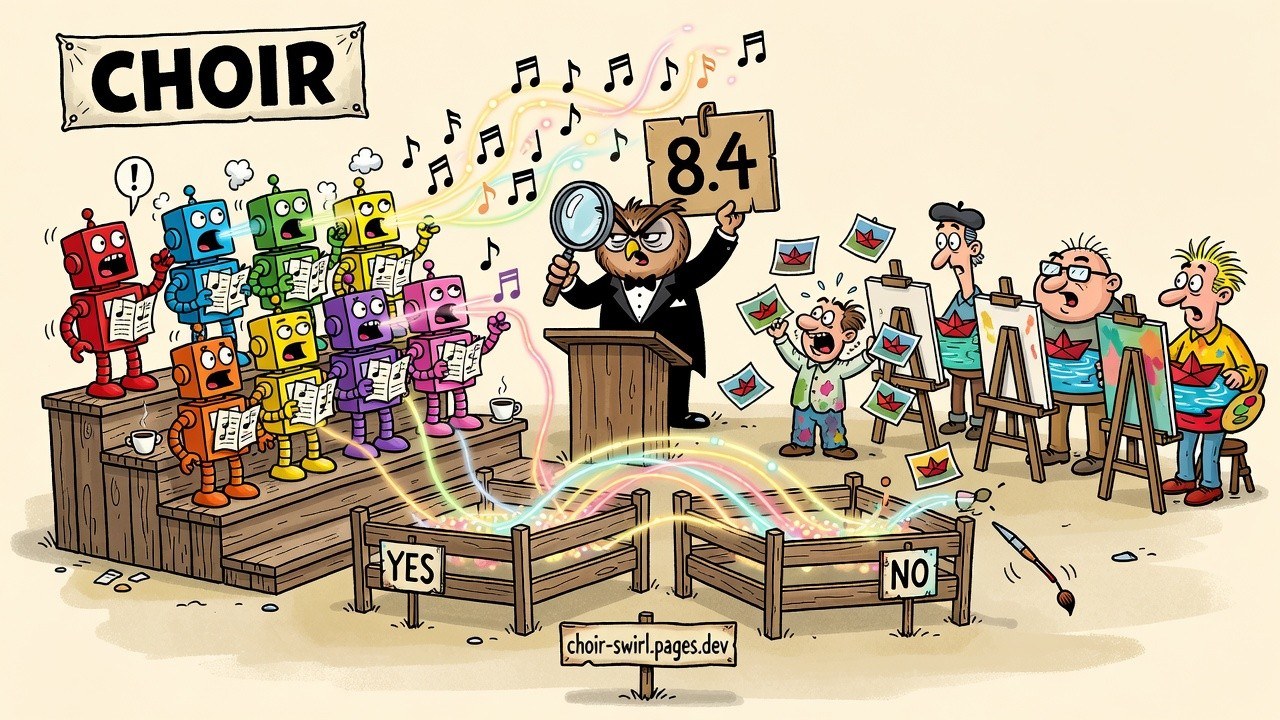
The Swirl
Ask everyone. See where they agree, and exactly where they split.
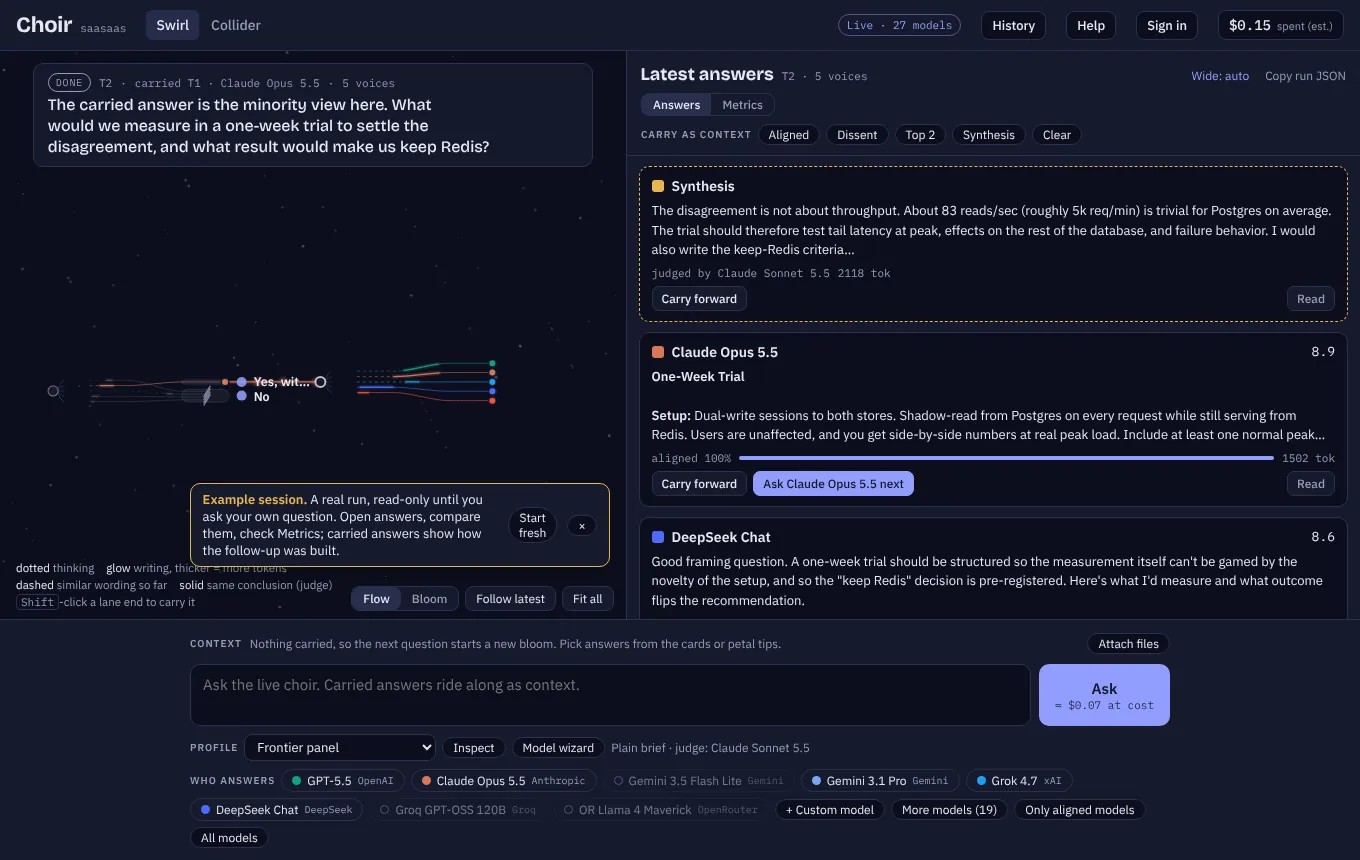
- Pick a panel. The strongest model from each lab, a cheap-and-fast set, a red team, a reasoning panel, open-weights models, or your own. Up to 24 models answer at once.
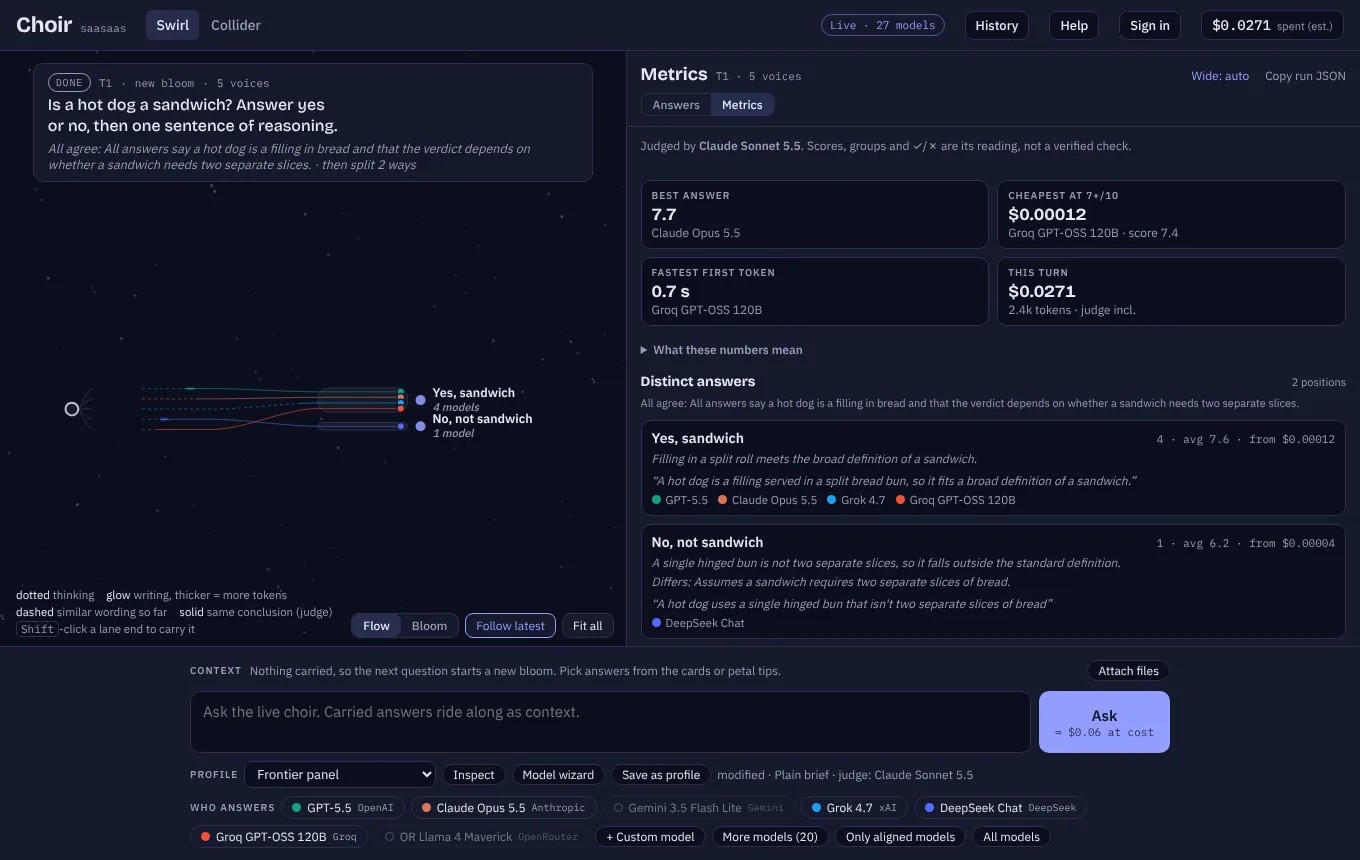
- Watch it stream. Each model is a lane on a timeline: dotted while it thinks, glowing while it writes. Lanes whose answers share words drift toward each other as they go.
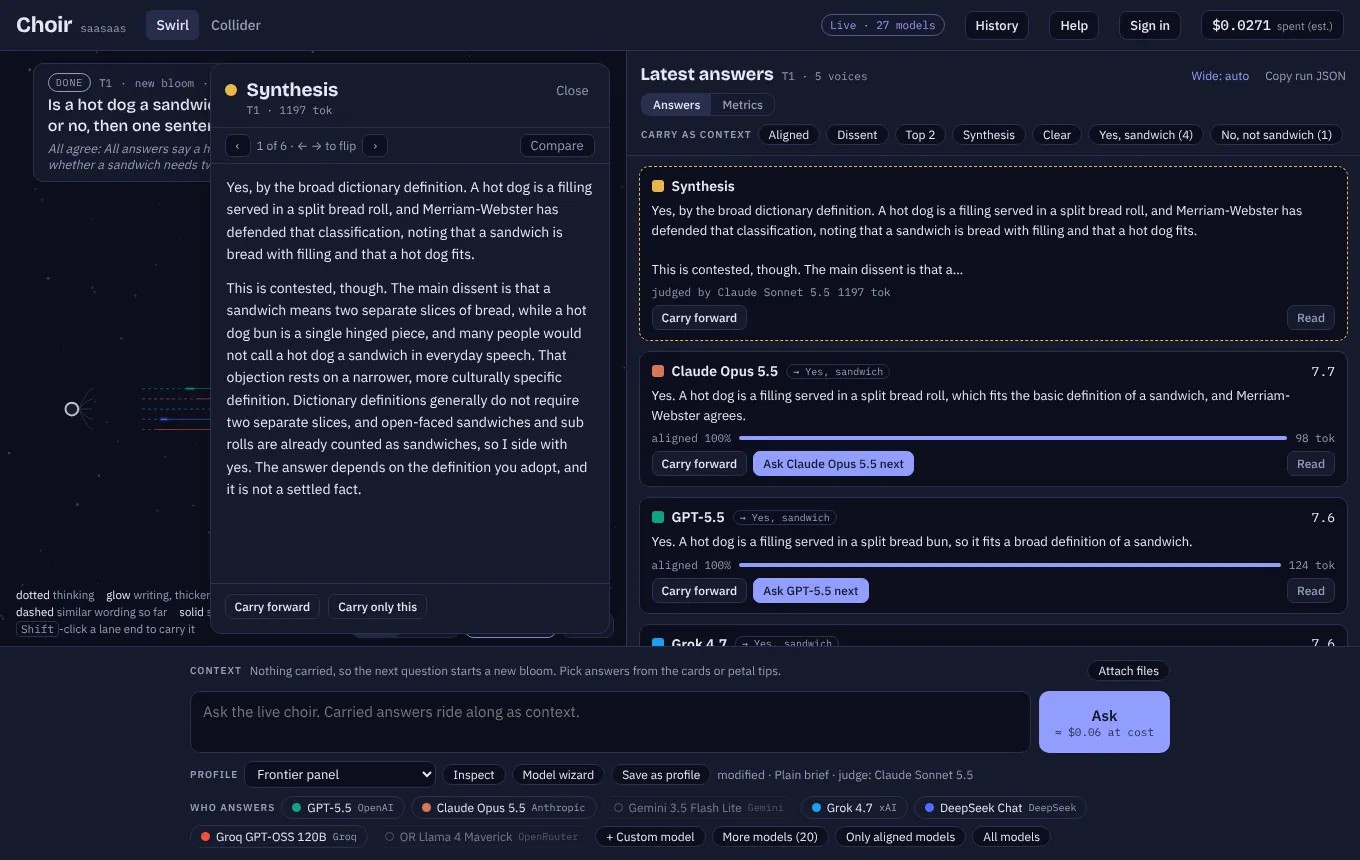
- Get judged. A judge model scores every answer, writes a synthesis, names the line they all agree on, and sorts the answers into corrals by their bottom line, with a quote showing why and a note on how each side differs. Its scores and ✓/✗ marks are labelled as its reading, not a verified check.
- Choose what the next round inherits. Pick the answers that ride into your next question as context (one card, the dissent, a whole corral) and, separately, which models answer it. The rest are cut from the map.
Your own panel
The model wizard lets you browse every model with a key by price, context window and whether it can see images, then build a runset. Add the same model three times and give each copy its own instructions and its own frame for the question: an optimist, a skeptic who hears it from an investor, and a newcomer who hears it from a twelve-year-old. Same weights, three setups, one map.
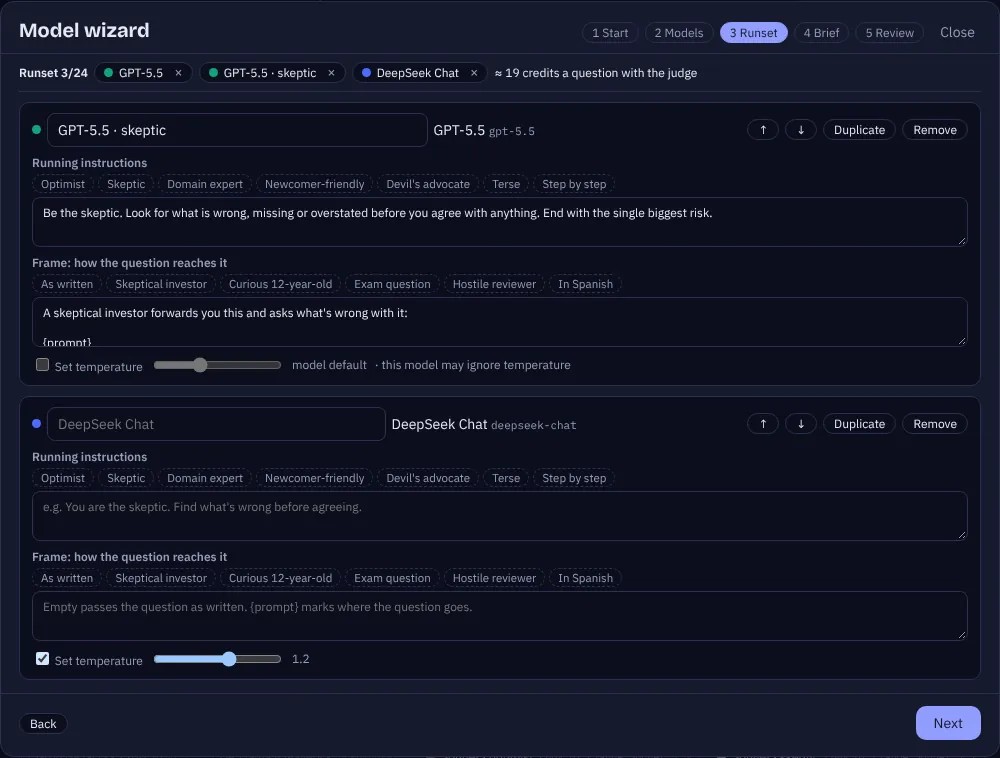
Attach text, code, PDFs and images to any question; images go to the models that can see them.
The Collider
One image prompt, every image model, side by side.
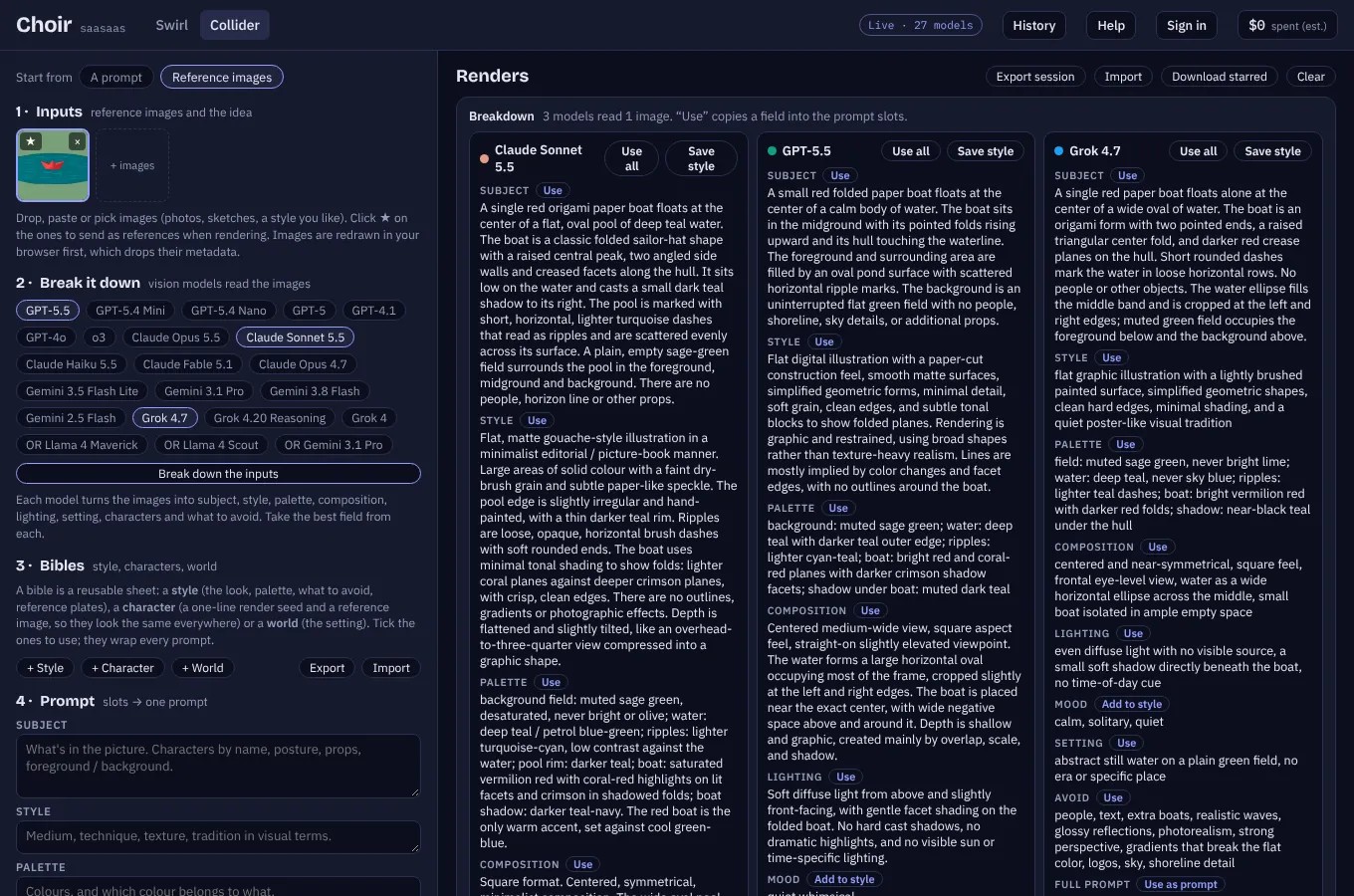
- Paste an image, say what to make. Paste or drop up to four images, type one instruction (“recreate this as a graduation, for dogs”), and every image model you pick gets both.
- Break an image down. Drop in a reference and several vision models turn it into prompt pieces: subject, style, palette, composition, lighting, characters, what to avoid. Keep the best field from each.
- Keep bibles. Style, character and world sheets with their own reference plates, so a look or a face stays the same from render to render.
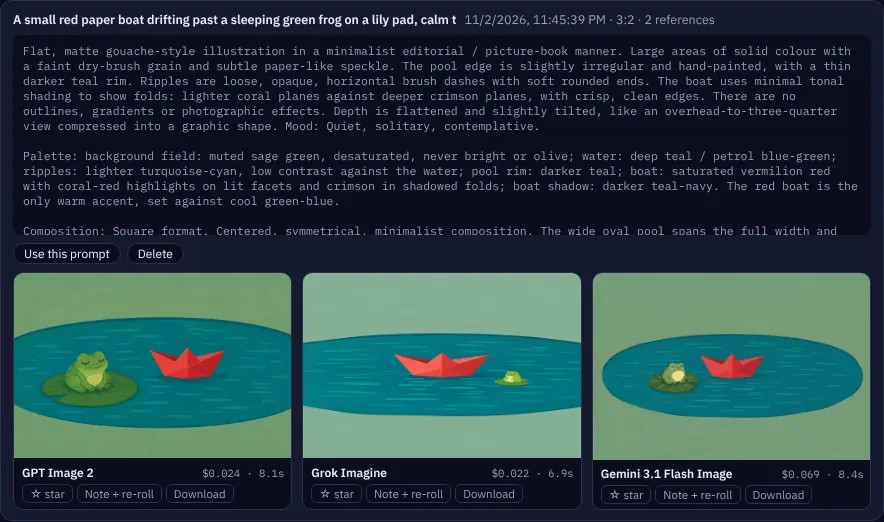
- Render everywhere. The same prompt to GPT Image, Grok Imagine and Gemini’s image models at once, each with its exact cost.
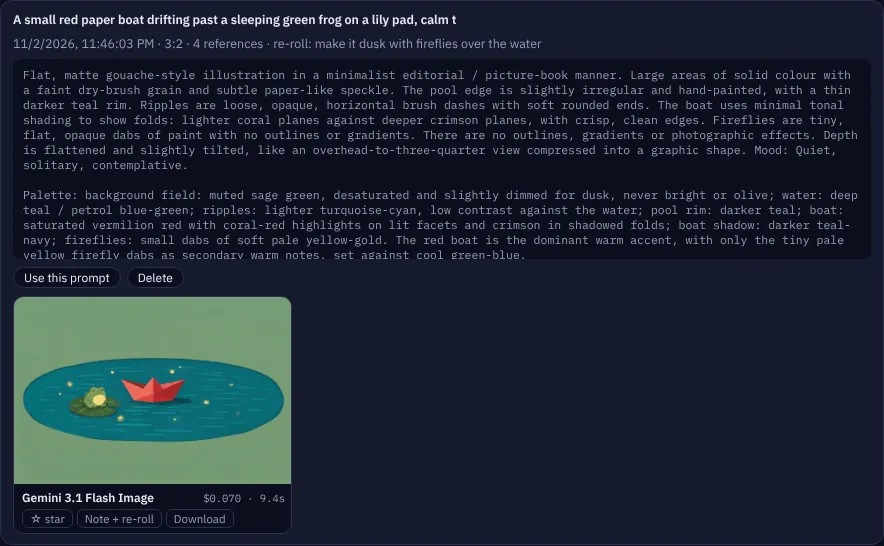
- Star, note, re-roll. Leave a note on a near-miss (“make it dusk, with fireflies”); the prompt is rewritten and the render goes along as a reference.
What it costs
Choir online is pay-as-you-go: no subscription. One credit is a cent; models are charged at their public list price times two, per answer and per image, as they finish. Before a question starts it reserves its worst case and gives back what it didn’t use, so you never run past your balance.
| Pack | Credits | Roughly |
|---|---|---|
| Taste · $5 | 400 | a hundred questions to the top-model panel |
| Regular · $10 | 1,000 | about 250 questions |
| Value · $25 | 3,000 (+20%) | about 750 questions |
Rather pay the providers directly? The Choir desktop app has the same Swirl and Collider since version 2.0, on your Mac with your own API keys, for free. Accounts are invite-only while the hosted version is in testing; ask me for one.
How it’s built
- Choir’s own provider model. The same provider table, model registry and run format as the desktop app, so a turn exports as a Choir run that the app’s CLI and the Choir Reports scripts read as-is.
- Cloudflare Pages and D1. Answers stream over server-sent events with an idle watchdog instead of a hard timeout, so slow thinkers get their minute and stalled ones get cut. The judge falls back to the next provider when one is busy.
- Keys stay on the server. Provider keys are sealed in the database or set as deploy secrets and never reach the browser. Stripe handles payments; every charge and credit is one row in an append-only ledger.
- Your stuff stays with you. History, profiles and Collider renders live in your browser and export as files. The server never keeps your images.
Built with Claude Code in two days, on top of the Choir macOS app and a lot of lessons from Codebackstory, the Scriptorium book pipeline and the Sticker Machine.